
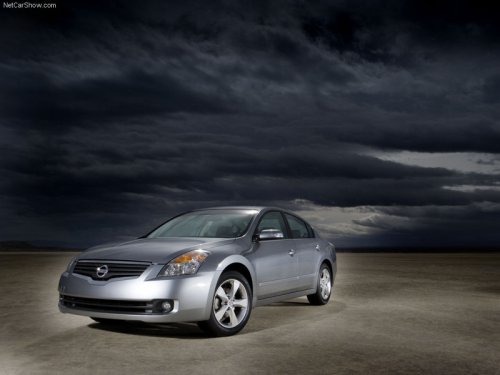
Nissan Altima
Nissan Altima
See also:
iPod * player operation with Navigation System (if so equipped)
...
Valet hand-off
When you have to leave a key with a valet, give
them the Intelligent Key itself and keep the mechanical
key with you to protect your belongings.
To prevent the glove box and the trunk from being
o ...
Hazard warning flasher switch
Hazard warning flasher switch
Push the switch on to warn other drivers when
you must stop or park under emergency conditions.
All turn signal lights flash.
● If stopping for an emerge ...