
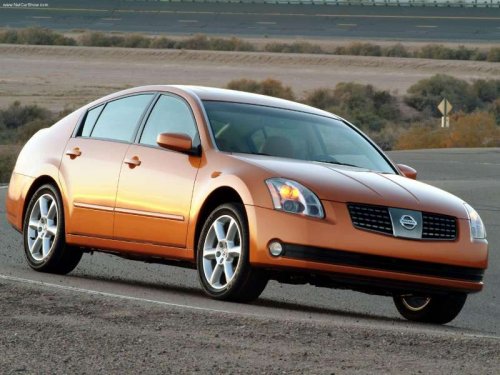
Nissan Maxima
Nissan Maxima
See also:
Locking doors
1. Place the ignition switch in the LOCK position.
2. Close all doors.
3. Press the button on the
Intelligent
Key.
4. The hazard warning lights flash twice and
the horn beeps once.
5. All d ...
Compact disc (CD) with MP3 or
WMA (models without Navigation
System)
Terms:
● MP3 — MP3 is short for Moving Pictures
Experts Group Audio Layer 3. MP3 is the
most well-known compressed digital audio
file format. This format allows for near “CD
quality” ...
Locking with power door lock switch
Locking with power door lock switch
Operating the power door lock switch will lock
or unlock all the doors. The switches are located
on the driver’s and front passenger’s door
armrests.
...