
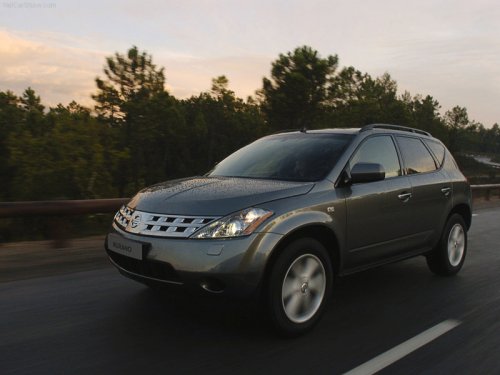
Nissan Murano
Nissan Murano
See also:
Booster seat installation
Do not use the lap/shoulder belt Automatic
Locking Retractor (ALR) mode
when using a booster seat with the
seat belts.
Refer to all Warnings and Cautions in the “Child
safety”, “Chi ...
Rocking a stuck vehicle
● Stand clear of a stuck vehicle.
● Do not spin your tires at high speed.
This could cause them to explode and
result in serious injury. Parts of your
vehicle could also overheat ...
Drinking alcohol/drugs and driving
Never drive under the influence of alcohol
or drugs. Alcohol in the bloodstream reduces
coordination, delays reaction time
and impairs judgement. Driving after
drinking alcohol increases t ...