
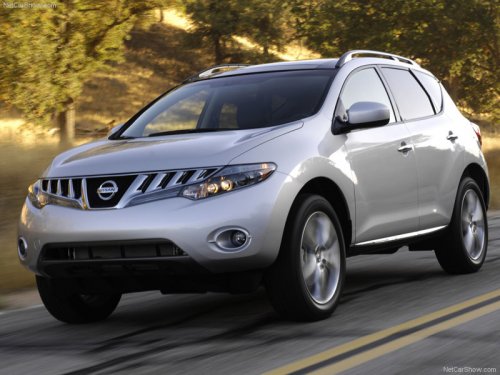
Nissan Murano
Nissan Murano
See also:
Tire and loading information label
The cold tire pressure is shown on the Tire and
Loading Information label affixed to the pillar as
illustrated. ...
Tongue load
Keep the tongue load between 10 - 15 percent of
the total trailer load or use the trailer tongue load
specified by the trailer manufacturer. The tongue
load must be within the maximum tongue load ...
Automatic operation
To fully open a window equipped with automatic
operation, press the window switch down (only
driver’s side shown) to the second detent and
release it; it need not be held. The window automatica ...