
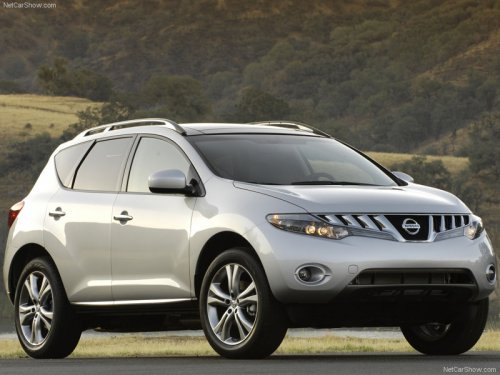
Nissan Murano
Nissan Murano
See also:
Universal Serial Bus (USB) memory (if so equipped)
This system supports various USB memory
sticks, USB hard drives and iPod players. There
are some USB devices which may not be supported
with this system.
● Make sure that the USB device i ...
Environmental factors influence the rate of corrosion
Moisture
Accumulation of sand, dirt and water on the vehicle
body underside can accelerate corrosion.
Wet floor coverings will not dry completely inside
the vehicle and should be removed for dry ...
Coat hooks (if so equipped)
Coat hooks (if so equipped)
The coat hooks are equipped above the rear
window.
Do not apply a total load of more than 2
lb (1 kg) to a single hook. ...