
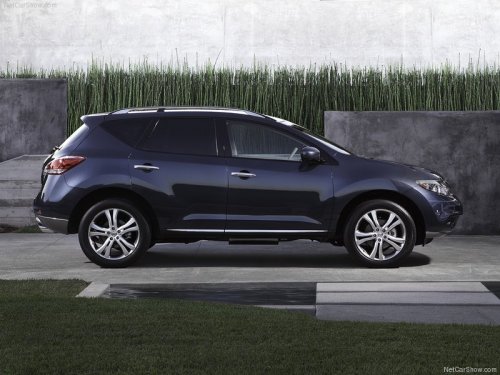
Nissan Murano
Nissan Murano
See also:
Security indicator light
This light blinks when the ignition switch is
placed in the OFF, LOCK or ACC position.
The blinking security indicator light indicates that
the security systems equipped on the vehicle are
opera ...
Keys
Keys
1. Two Intelligent Keys.
2. Mechanical keys with built-in transponder
chip (inside Intelligent Keys).
3. Key number plate. ...
Around viewTM monitor (if equipped)
The CAMERA button is located on the center
console.
When you push the CAMERA button or shift the
selector lever into the “R” (Reverse) position
while the ignition switch is in the ON posi ...