
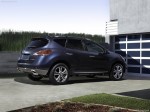
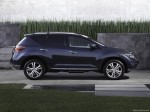
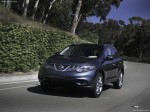
Nissan Murano (2011)
Nissan Murano / Gallery / Nissan Murano (2011)
|
|

|

|

|
|
See also:
Making a call
To make a call, follow the procedure below:
1. Press the PHONE button on the instrument
panel or the switch on the
steering
wheel. The Phone screen will appear on
the display.
2. Select on ...
Lockout protection
To prevent the Intelligent Key from being accidentally
locked in the vehicle, lockout protection
is equipped with the Intelligent Key.
When the driver’s side door is open, the doors
are locke ...
Read first — then drive safely
Before driving your vehicle, read your Owner’s
Manual carefully. This will ensure familiarity with
controls and maintenance requirements, assisting
you in the safe operation of your vehicle.
...