
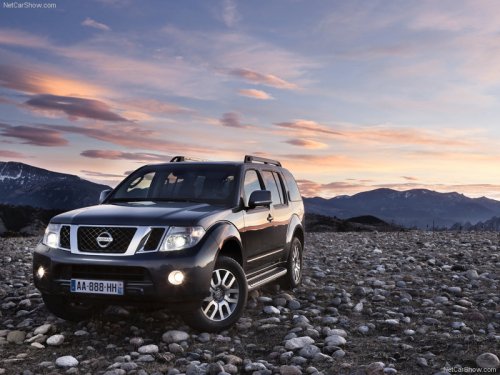
Nissan Pathfinder
Nissan Pathfinder
See also:
Recent Calls
Use the Recent Calls command to access
outgoing, incoming or missed calls.
“Outgoing” A
Use the Outgoing command to list the outgoing
calls made from the vehicle.
“Incoming” B
Use th ...
Seatback pockets
Seatback pockets
The seatback pockets are located on the back of
the drivers and passengers seats. The pockets
can be used to store maps. ...
Passenger compartment
CAUTION
Never use a fuse of a higher or lower
amperage rating than specified on the
fuse box cover. This could damage the
electrical system or cause a fire.
If any electrical equipment does not ...