
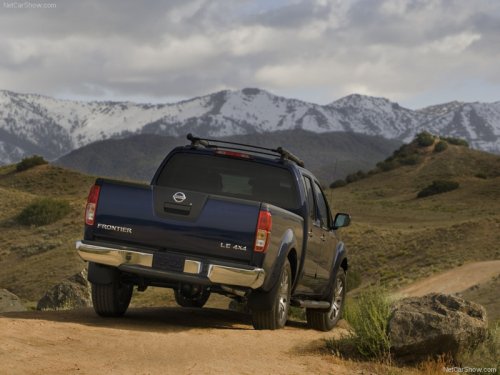
Nissan Frontier
Nissan Frontier
See also:
Seat belt warning chime
The seat belt warning chime will sound for about
6 seconds unless the driver’s seat belt is
securely fastened. ...
Ball mount
The hitch ball is attached to the ball mount and
the ball mount is inserted into the hitch receiver.
Choose a proper class ball mount based on the
trailer weight. Additionally, the ball mount shoul ...
EXTERIOR
The Murano's unique styling isn't for everyone, but it helps it to stand out
on the road. From the side, it looks all curvy and aggressive, and the rear is
well-done with sharp, angled taillights. ...