



Nissan Versa: Instruments and controls - Lane Departure Warning (LDW) switch
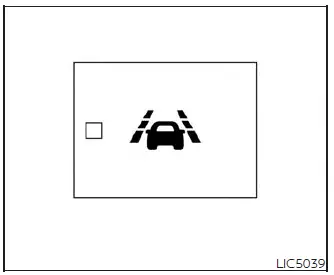
The Lane Departure Warning (LDW) switch, conveniently located on the driver's side lower instrument panel, is used to manually turn the active LDW safety system on and off.
When you push the LDW switch, the system becomes active, and the integrated LDW indicator light on the button itself will illuminate to confirm operation. Pushing the switch a second time deactivates the system, causing the indicator light to go out.
When enabled, the LDW system monitors the lane markers and warns the driver with a visual alert on the instrument panel and a physical vibration through the steering wheel if the vehicle begins to unintentionally drift out of its travel lane without a turn signal active.
Depending on your vehicle's equipment package, other driver assist technologies like the Automatic Emergency Braking (AEB) with Pedestrian Detection system and the Intelligent Forward Collision Warning (I-FCW) system may be linked with the LDW switch and can be configured to work in tandem to maximize safety in your Nissan Versa.