



Nissan Versa: Monitor, climate, audio, phone and voice recognition systems - NissanConnect Owner's Manual
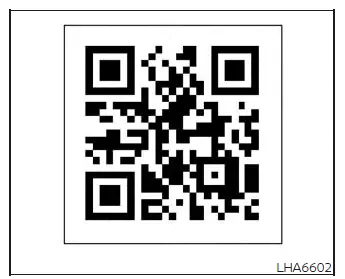
For in-depth operating instructions, please refer to the digital NissanConnect Owner's Manual by scanning the QR code provided on this page, or consult your printed NissanConnect Owner's Manual (if your vehicle is so equipped). This supplemental guide contains detailed explanations for features such as:
- NissanConnect Services (if so equipped)
- Full audio system functions and tuning
- Apple CarPlay integration
- Android Auto connectivity
- Bluetooth Hands-Free Phone system setup
- Viewing vehicle information and driving data
- System preferences and other customizable settings
- Voice recognition systems (if so equipped)
- General troubleshooting and system specifications
WARNING
- Do not configure, adjust, or browse through the climate control, audio, or display settings while driving. All of your attention must be dedicated strictly to road conditions and safe vehicle operation.
- Never attempt to disassemble, open, or modify the electronic infotainment housing. Doing so may damage internal components and carries a risk of electrical short-circuits, fire, or severe electrical shock.
- Immediately stop using the infotainment system if you notice any persistent malfunctions, such as a frozen display screen, distorted output, or a complete lack of audio. Continued operation of a malfunctioning system could result in electrical damage, fire, or an accident.
- If any foreign object falls into the housing, if liquid is spilled on the console, or if you detect smoke, unusual heat, or a burning odor coming from the dashboard, shut down the system and turn off your Nissan Versa immediately. Ignoring these warning signs can lead to severe electrical damage, fire, or shock. It is highly recommended to have the system inspected and serviced by an authorized NISSAN dealer.