



Nissan Versa: Instruments and controls - Rear Sonar System (RSS) OFF switch
WARNING
The Rear Sonar System is a highly convenient driver assistance feature, but it is not a substitute for proper and attentive backing procedures. Always physically turn your head and check the surrounding area to ensure it is completely safe before backing up. Always back up slowly and cautiously.
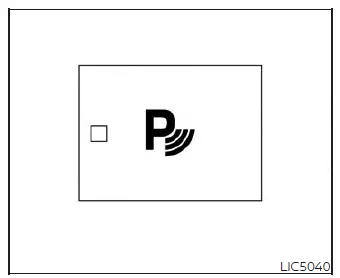
The RSS (if your vehicle is so equipped) automatically becomes active whenever the ignition switch of your Nissan Versa is placed in the ON position and the transmission shift lever is moved into the R (Reverse) position. When active, the integrated status indicator light on the RSS switch will illuminate.
When the ultrasonic sensors detect obstacles within approximately 6 ft (1.8 m) of the rear bumper of your Nissan Versa, a progressive beeping tone is emitted inside the cabin to warn the driver of the obstacle's proximity.
The RSS can be manually deactivated by pushing the RSS OFF switch. When you disable the system, the indicator light on the switch will turn off, confirming the sensors are no longer monitoring for obstacles.
To ensure constant parking safety, the system will automatically reset and turn back on the next time the ignition switch of your Nissan Versa is cycled to the ON position.