



Nissan Versa: Instruments and controls - Vehicle Dynamic Control (VDC) OFF switch
For optimum stability, traction, and active safety, your Nissan Versa should always be driven with the Vehicle Dynamic Control (VDC) system fully turned on under most normal driving and weather conditions.
However, if your vehicle becomes stuck in deep mud, loose gravel, or heavy snow, the active VDC system will attempt to prevent wheel spin by automatically reducing engine power output. Under these circumstances, you may notice that the engine speed decreases and does not increase even if you press the accelerator pedal down to the floor. When maximum raw engine power and unrestricted wheel spin are necessary to rock and free a stuck vehicle, you should turn the VDC system off.
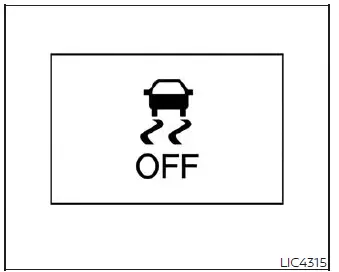
To temporarily deactivate the system, push the VDC OFF switch on the lower dashboard. This action will turn on the yellow VDC OFF
 indicator light on the instrument cluster. Simultaneously, the Automatic Emergency Braking (AEB) with Pedestrian Detection warning light will illuminate, and the Rear Automatic Braking (RAB) system will also be disabled. To re-engage the stability controls, simply push the VDC OFF switch a second time, or turn the engine off and restart your Nissan Versa to automatically reset the safety systems to their default active state.