



Nissan Versa: Instruments and controls - USB/iPod charging ports
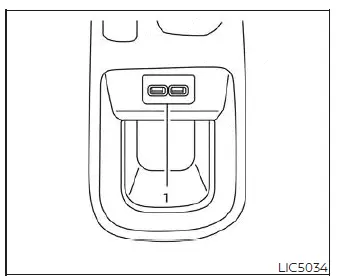
Top of center console (if so equipped)
- Type-A USB Port
- Type-C USB Port
To keep your passenger cabin clutter-free and your devices powered, the Nissan Versa features dedicated USB/iPod charging ports. Depending on your vehicle's trim level and optional equipment, these convenient ports may be located on top of the center console, on the back of the center console for rear passengers, or tucked safely inside the console storage box. These high-output ports are designed to rapidly charge compatible smartphones, tablets, and portable media players.
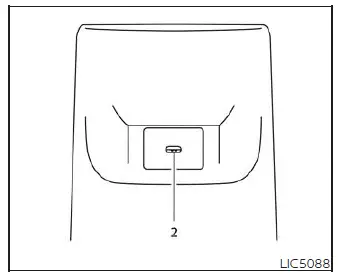
Back of center console (if so equipped)
NOTE:
- Please note that these auxiliary USB/iPod charging ports are dedicated strictly to power delivery and will not interface with your vehicle's display screen or infotainment system. Only the primary USB connection port, located directly on the instrument panel below the climate control dials, will link your USB/iPod devices with the audio system of your Nissan Versa.
- For optimal charging efficiency and to avoid system errors, it is highly recommended to use the original equipment manufacturer (OEM) cables that came with your device. While aftermarket USB Type-A to USB Type-C adapter cables (or vice versa) can be used, charging speeds and performance may vary significantly.
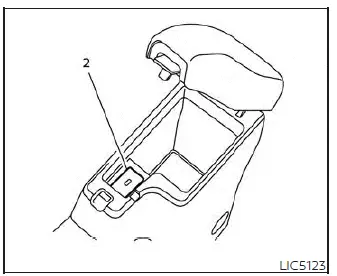
Inside console box (if so equipped)