
Vehicle Dynamic Control (VDC) OFF switch
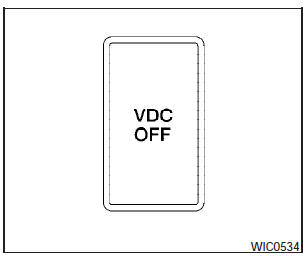
The vehicle should be driven with the Vehicle Dynamic Control (VDC) system on for most driving conditions.
If the vehicle is stuck in mud or snow, the VDC system reduces the engine output to reduce wheel spin. The engine speed will be reduced even if the accelerator is depressed to the floor. If maximum engine power is needed to free a stuck vehicle, turn the VDC system off.
To turn off the VDC system, push the VDC OFF
switch. The  indicator will
come on.
indicator will
come on.
Push the VDC OFF switch again or restart the engine to turn on the system. See Vehicle Dynamic Control (VDC) system in the Starting and driving section.
See also:
Driving It
The Sentra's off-the-line performance is good, with acceleration that's much
more effortless than the Civic or Corolla, both of which are offered with
traditional automatic transmissions with fixe ...
Troubleshooting guide
The system should respond correctly to all voice
commands without difficulty. If problems are encountered,
follow the solutions given in this guide
for the appropriate error.
Where the solution ...