
Personal lights - rear
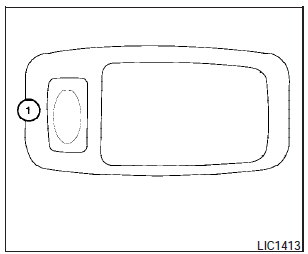
To turn on the rear lights, press and release the switch (1) .
To turn the rear lights off, press and release the switch (1) .
See also:
Programming HomeLink
1. To begin, press and hold the two outer
HomeLink buttons (to clear the memory)
until the indicator light 1 blinks (after 20
seconds). Release both buttons.
2. Position the end of the hand-held ...
Compass display (if so equipped)
This unit measures terrestrial magnetism and indicates
the direction of the vehicle’s heading.
With the ignition switch placed in the ON position,
press the button as described in
the
chart b ...
Advanced Safety Systems, A Variety of Models and Packages
The 2009 Frontier includes a long list of safety equipment, including Zone
Body construction with front and rear crumple zones, Nissan Advanced Air Bag
System (which includes dual-stage front supp ...