
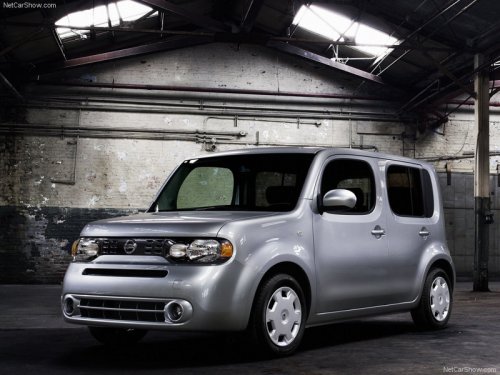
Nissan Cube
Nissan Cube
See also:
Forward-facing child restraint installation using the
seat belts
- The three-point seat belt with Automatic
Locking Retractor (ALR) must
be used when installing a child
restraint. Failure to use the ALR
mode will result in the child restraint
not bein ...
Size & Maneuverability
The Frontier has grown over the years with various redesigns, a trend that's
affected both trucks and cars. That said, it's still pretty easy to drive the
Frontier in the city.
Even on Chicago's ...
SE-R and SE-R Spec V
The Sentra SE-R and SE-R Spec V are sporty variants with a 2.5-liter
four-cylinder. The SE-R is built for mainstream consumers who want a sportier
feel; the Spec V is geared toward the enthusiast ...