
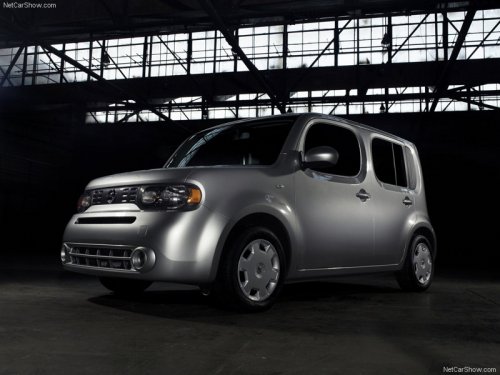
Nissan Cube
Nissan Cube
See also:
Never leave these keys in the vehicle.
Additional or replacement keys.
If you still have a key, the key number is not
necessary when you need extra NISSAN Vehicle
Immobilizer System keys. Your dealer can duplicate
your existing key. ...
Engine
This spark ignition system complies with the Canadian standard ICES-002. ...
Operating tips
To get the best performance out of the NISSAN
Voice Recognition system, observe the following:
- Keep the interior of the vehicle as quiet as
possible. Close the windows to eliminate
surroundi ...