
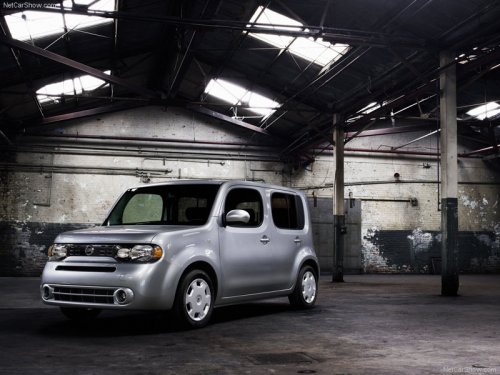
Nissan Cube
Nissan Cube
See also:
Floor mats
The use of genuine NISSAN floor mats can extend
the life of your vehicle carpet and make it
easier to clean the interior. No matter what
mats are used, be sure they are fitted for
your vehicle ...
Pulling a stuck vehicle
Front
Do not use the tie down hooks for towing or
vehicle recovery.
Front:
Securely install the recovery hook 1 (stored in
the luggage room) as illustrated.
Make sure that the hook is proper ...
All-Wheel Drive (AWD) lock switch operations
The AWD LOCK switch located on the lower
side of the instrument panel. This switch is used
to select the AUTO or LOCK mode depending
on the driving conditions.
Each time you push the lower pa ...