
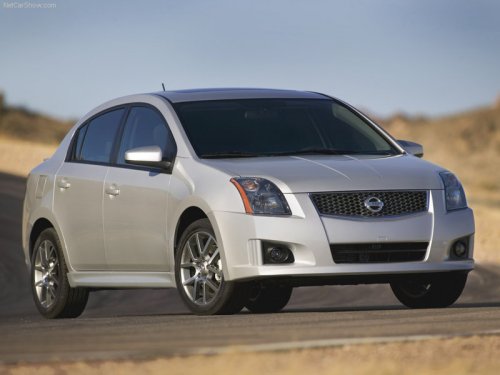
Nissan Sentra
Nissan Sentra
See also:
Drinking alcohol/drugs and driving
WARNING:
Never drive under the influence of alcohol
or drugs. Alcohol in the bloodstream reduces
coordination, delays reaction time
and impairs judgement. Driving after
drinking alcohol incre ...
Aftermarket fuel additives
NISSAN does not recommend the use of any
aftermarket fuel additives (for example, fuel
injector cleaner, octane booster, intake valve
deposit removers, etc.) which are sold commercially.
Many o ...
Sway control device
Sudden maneuvers, wind gusts, and buffeting
caused by other vehicles can affect trailer handling.
Sway control devices may be used to help
control these affects. If you choose to use one,
contact ...