
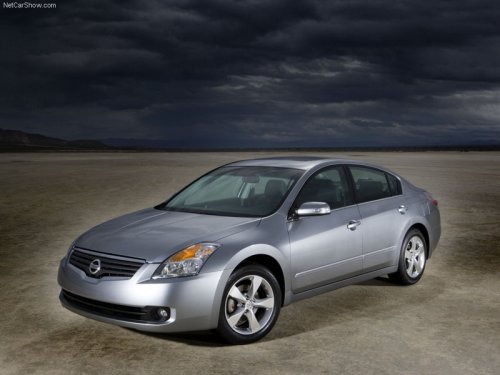
Nissan Altima
Nissan Altima
See also:
SAFETY
Because they're height adjustable, the Pathfinder's rear seat belts fit kids
and adults alike. This means I could safely let my 7-year-old ride in the second
row using only the seat belt.
The lo ...
Self-test feature
The ABS includes electronic sensors, electric
pumps, hydraulic solenoids and a computer. The
computer has a built-in diagnostic feature that
tests the system each time you start the engine
and ...
Owner’s Manual/Service Manual order information
A genuine NISSAN Service Manual is the best
source of service and repair information for your
vehicle. Filled with wiring diagrams, illustrations
and step-by-step diagnostic and adjustment procedur ...