
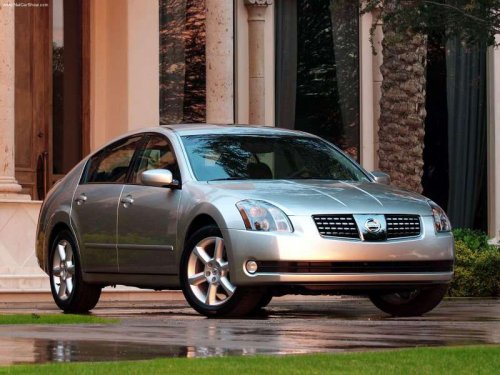
Nissan Maxima
Nissan Maxima
See also:
Display settings
Select the “Display” key. On the screen above,
select the “Display Adjustment” key. The Display
Adjustment screen will appear.
Brightness/contrast:
Select the “Brightness” key or t ...
Receiving a call
When you hear the ring tone, push the
button on the steering wheel.
Once the call has ended, push the
button
on the steering wheel.
NOTE:
If you do not wish to take the call when you
he ...
Locking doors
1. Turn the ignition switch to the LOCK position.1
2. Carry the Intelligent Key with you.
3. Close all the doors.2
4. Push the door handle request switch (driver’s or front passenger’s) A or ...