
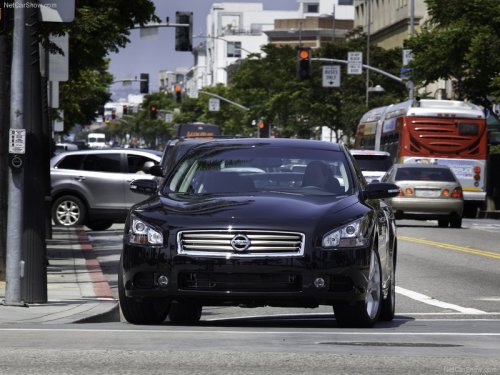
Nissan Maxima
Nissan Maxima
See also:
All season tires
NISSAN specifies All Season tires on some models
to provide good performance all year, including
snowy and icy road conditions. All Season
tires are identified by ALL SEASON and/or M&S
on ...
Moonroof
When power window switch does not
operate
If the power window automatic function (closing
only) does not operate properly, perform the following
procedure to initialize the power window
system:
...
Suggested maximum speed in each gear
Downshift to a lower gear if the engine is not
running smoothly, or if you need to accelerate.
Do not exceed the maximum suggested speed
(shown below) in any gear. For level road driving,
use t ...