
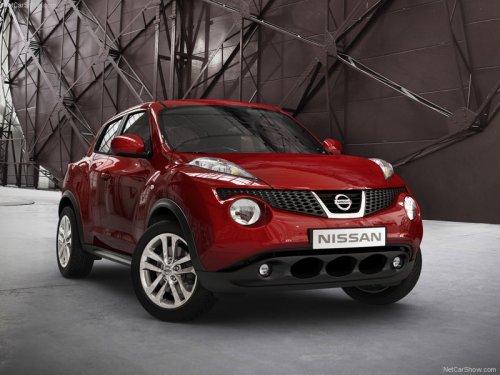
Nissan Juke
Nissan Juke / Gallery / Nissan Juke
Nissan Juke
See also:
Warning and indicator lights
All-Wheel Drive (AWD) warning
light (AWD models)*
Anti-lock Braking System (ABS)
warning light
Brake warning light
Charge warning light
Electric power steering warning
light
Engin ...
Switch operation
Switch operation
The windshield wiper and washer operates when
the ignition switch is placed in the ON position.
Push the lever down to operate the wiper at the
following speed:
1 Intermit ...
Sunglasses holder (if so equipped)
To open the sunglasses holder, push and release.
WARNING:
- Keep the sunglasses holder closed
while driving to prevent an accident.
CAUTION:
- Do not use for anything other than
sunglasses.
...