
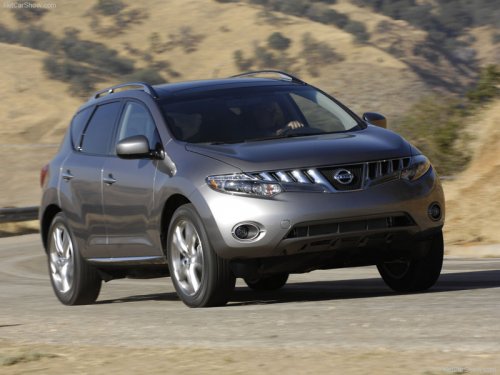
Nissan Murano
Nissan Murano
See also:
In-cabin microfilter
The in-cabin microfilter restricts the entry of airborne
dust and pollen particles and reduces
some objectionable outside odors. The filter is
located behind the glove box. Refer to the
NISSAN ...
SE-R and SE-R Spec V
The Sentra SE-R and SE-R Spec V are sporty variants with a 2.5-liter
four-cylinder. The SE-R is built for mainstream consumers who want a sportier
feel; the Spec V is geared toward the enthusiast ...
Seat belts
The seat belts can be cleaned by wiping them
with a sponge dampened in a mild soap solution.
Allow the belts to dry completely in the shade
before using them. See “Seat belt maintenance”
in th ...