
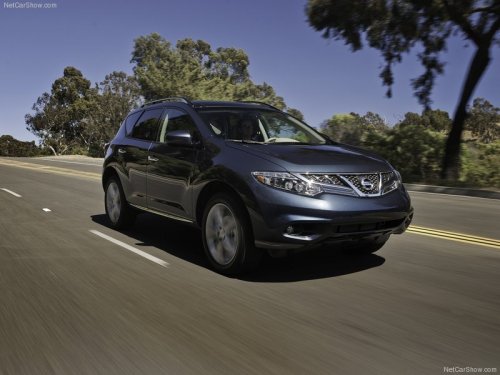
Nissan Murano
Nissan Murano
See also:
Preventing the Intelligent Key from being left in
the vehicle
If you lock all doors using the power door lock
switch with the Intelligent Key in the vehicle, all of
the doors unlock immediately and the buzzer will
warn you when the door is closed. ...
Keys
Keys
1. Two Intelligent Keys.
2. Mechanical keys with built-in transponder
chip (inside Intelligent Keys).
3. Key number plate. ...
Regulatory Information
FCC Regulatory information
– CAUTION: To maintain compliance with
FCC’s RF exposure guidelines, use only the
supplied antenna. Unauthorized antenna,
modification, or attachments could damage
...