
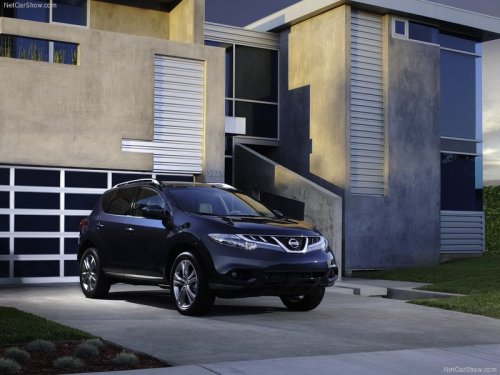
Nissan Murano
Nissan Murano
See also:
Bird’s-eye view
The bird’s-eye view shows the overhead view of
the vehicle which helps confirm the vehicle
position and the predicted course to a parking
space.
The vehicle icon 1 shows the position of the ...
Oil additives
NISSAN does not recommend the use of oil
additives. The use of an oil additive is not necessary
when the proper oil type is used and maintenance
intervals are followed.
Oil which may contain forei ...
Hood
- Make sure the hood is completely
closed and latched before driving.
Failure to do so could cause the
hood to fly open and result in an
accident.
- If you see steam or smoke coming
from ...