
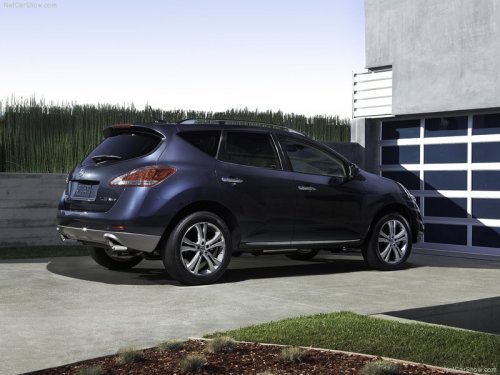
Nissan Murano
Nissan Murano
See also:
How to arm the vehicle security
system
1. Close all windows. (The system can be
armed even if the windows are open.)
2. Remove the Intelligent Key from the vehicle.
3. Close all doors, hood and trunk. Lock all
doors. The doors can be l ...
Heated seat (if so equipped)
Heated seat (if so equipped)
The front seats are warmed by built-in heaters.
1. Start the engine.
2. Push the low or high position of the switch,
as desired, depending on the temperature.
The ...
Setting hazard indicator and horn mode
This vehicle is set in hazard indicator and horn
mode when you first receive the vehicle.
In hazard indicator and horn mode, when the
LOCK button 1 is pushed, the
hazard
indicator flashes tw ...