
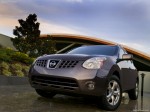
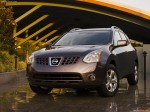
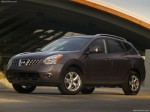
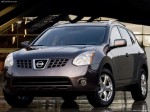
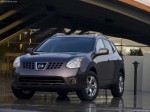
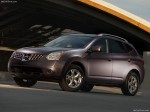
Nissan Rogue (2008)
Nissan Rogue / Gallery / Nissan Rogue (2008)
|
|
|
|
|
|
See also:
Air conditioner button (if so equipped)
Air conditioner button (if so
equipped)
The button is provided only on vehicles equipped
with an air conditioner.
Start the engine, turn the fan control dial to the
desired position and push ...
Locking doors
Locking doors
1. Close all windows.
2. Remove the key from the ignition switch.
3. Close the hood, trunk lid, and all doors.
4. Press the button on the keyfob. All
the doors lock. The hazard ...
Owner's Manual/Service Manual order information
A genuine NISSAN Service Manual is the best
source of service and repair information for your
vehicle. Filled with wiring diagrams, illustrations
and step-by-step diagnostic and adjustment proce ...