
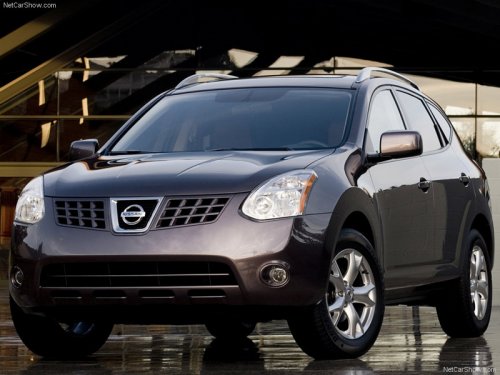
Nissan Rogue
Nissan Rogue
See also:
Towing a trailer
Overloading or improper loading of a
trailer and its cargo can adversely affect
vehicle handling, braking and performance
and may lead to accidents.
- Do not tow a trailer or haul a hea ...
Replacing
Replace the wiper blades if they are worn.
1. Lift the wiper arm away from the windshield.
2. Push and hold the release tab A , and
move the wiper blade down the wiper arm
1 .
3. Insert the n ...
Engine cooling system
The engine cooling system is filled at the factory
with Genuine NISSAN Engine Coolant to provide
year-round anti-freeze and coolant protection.
The anti-freeze solution contains rust and corrosio ...