
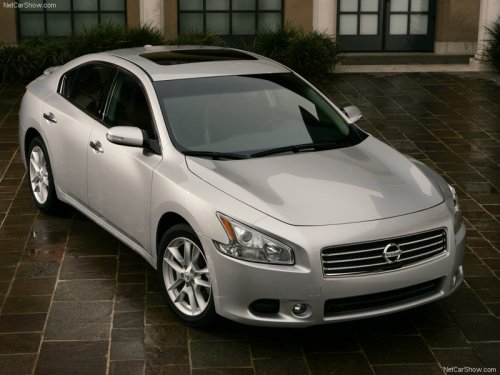
Nissan Maxima
Nissan Maxima
See also:
Tire labeling
Example
Federal law requires tire manufacturers to
place standardized information on the sidewall
of all tires. This information identifies
and describes the fundamental characteristics
of ...
If your vehicle is stolen
If your vehicle is stolen, you should change the
codes of any non-rolling code device that has
been programmed into HomeLink®. Consult the
Owner’s Manual of each device or call the
manufact ...
Summer tires
NISSAN specifies summer tires on some models
to provide superior performance on dry roads.
Summer tire performance is substantially reduced
in snow and ice. Summer tires do not have
the tire tract ...