
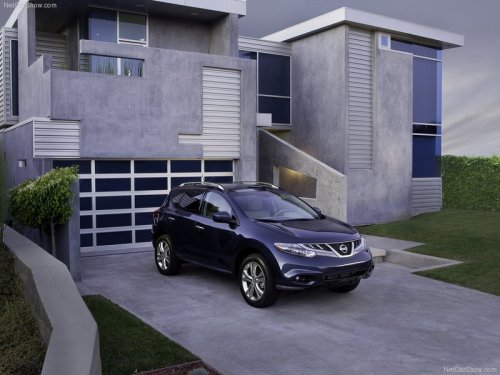
Nissan Murano
Nissan Murano
See also:
MODE select switch (models with Navigation System)
Push the MODE select switch to change the
mode in the following sequence.
AM/FM* → XM** → CD*** → USB/AUX*** → AM/FM*
* When using the MODE switch, the audio mode
switche ...
Forward-facing child restraint installation using the seat belts
The three-point seat belt with Automatic
Locking Retractor (ALR) must be used
when installing a child restraint. Failure to
use the ALR mode will result in the child
restraint not being prop ...
Tire labeling
Example
Federal law requires tire manufacturers to
place standardized information on the
sidewall of all tires. This information identifies
and describes the fundamental
characteristics of the ...