
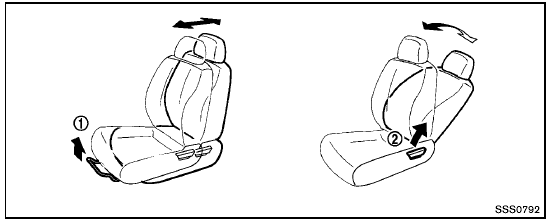
Front seats
See also:
Overview
Small on the outside, big on the inside. Smart technology with
next-generation efficiency. A $10,990 starting M.S.R.P. and low cost of
ownership. New dual injector system and sub-planetary CVT des ...
Engines and drivetrains
In Europe, there will be three engine and manual or CVT transmission choices
when Nissan Juke sales start in the second half of 2010. At the top of the range
is a newly developed 1.6-litre Direct ...
Control buttons
The control buttons for the Bluetooth Hands-
Free Phone System are located on the steering
wheel.
PHONE/SEND
Press the button to
initiate a
VR session or answer an incoming
call.
You ca ...