
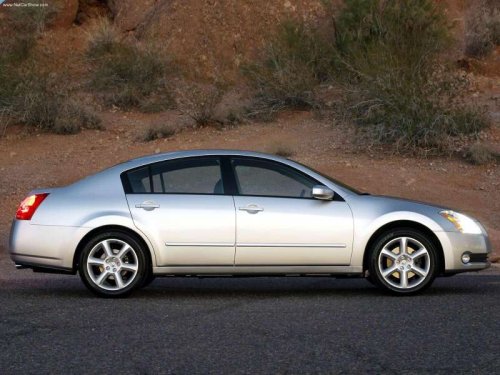
Nissan Maxima
Nissan Maxima
See also:
E–85 fuel
E-85 fuel is a mixture of approximately 85% fuel
ethanol and 15% unleaded gasoline. E-85 can
only be used in a Flexible Fuel Vehicle (FFV). Do
not use E-85 in your vehicle. U.S. government
regulat ...
Transferring the handset phonebook
If your cellular phone supports automatic downloading,
the system transfers the handset phonebook
automatically by default. To ensure that this
feature is activated, press the SETTING button
on th ...
Read first—then drive safely
Before driving your vehicle, please read this
Owner’s Manual carefully. This will ensure familiarity
with controls and maintenance requirements,
assisting you in the safe operation of your
v ...